The CIE Lab Color Space and Why Dentists Use It
RGB lies to you about tooth color. CIE Lab is the coordinate system dental research trusts — and the one teewai reads your enamel in.
When a camera captures your teeth, it stores color in RGB — red, green and blue intensities tuned for screens, not for human perception. The problem: RGB values change with the device and the lighting, so the same tooth reads differently on every phone. Dental research long ago moved to a different space: CIE Lab, designed so that equal numerical distances correspond to equal perceived color differences.
| Axis | Range | Meaning | On teeth |
|---|---|---|---|
| L* | 0 (black) → 100 (white) | Lightness / value | ~60–80 |
| a* | −green → +red | Red-green balance | ~+2 to +12 (reddish) |
| b* | −blue → +yellow | Yellow-blue balance | ~+12 to +24 (yellowish) |
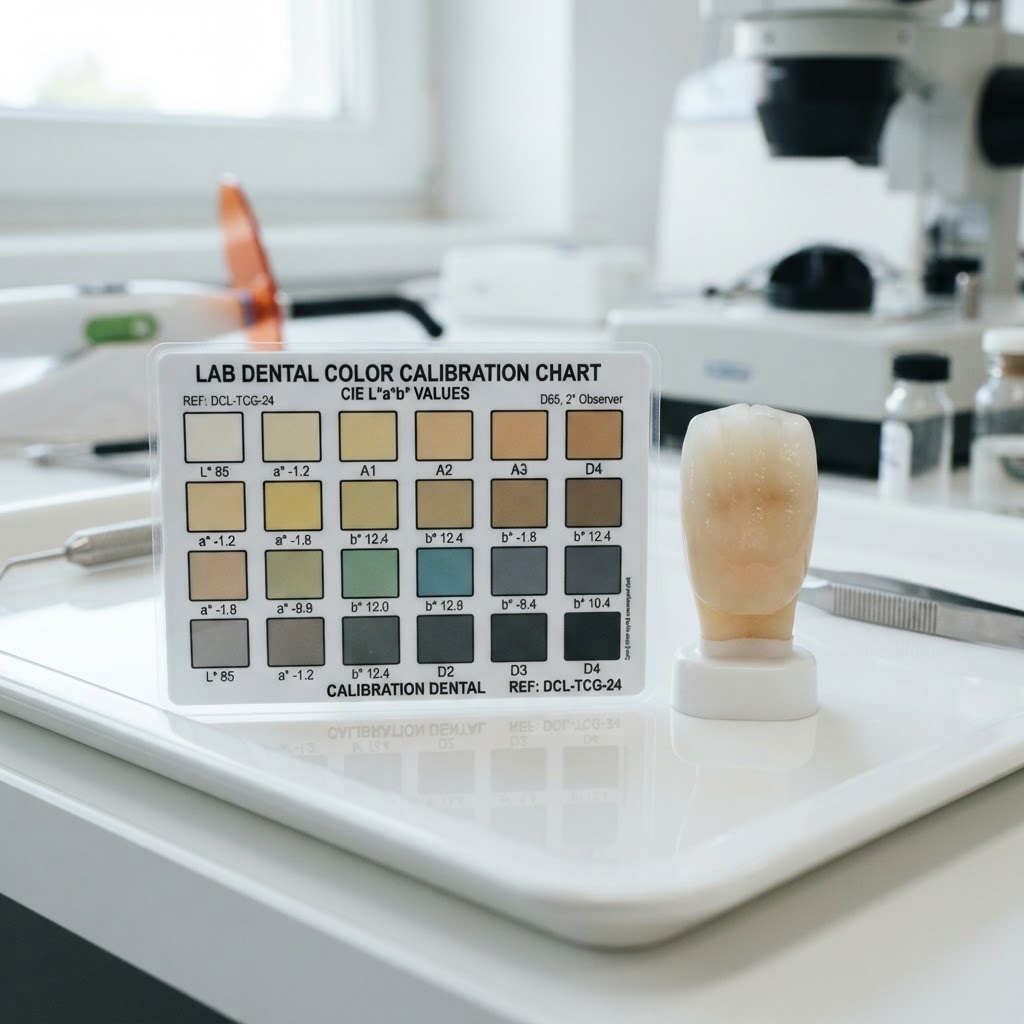
A natural adult tooth sits around L* 70, a* +5, b* +18 — a warm, light ivory.
Higher b* = more yellow chroma. The A family climbs fastest in yellow saturation.
The payoff is a single number called Delta E (ΔE) — the geometric distance between two colors in Lab space. A ΔE below ~1 is imperceptible to most observers; above ~3.7 most people can tell the shades apart. Dentists use ΔE to decide whether a whitening shift is clinically meaningful or just measurement noise. teewai reports your shade change in VITA steps and in ΔE so you know whether a move is real.
This is why teewai reads your enamel in Lab, not RGB. A Lab point is a property of the tooth, not the phone — and once you have a Lab point, matching it to the nearest VITA shade is a nearest-neighbor lookup against a calibrated table. That is the same math a spectrophotometer does in a clinic, just running on the photo you took at home.
See where you sit on the VITA scale — scan your smile with teewai.